

Autodesk Civil 3D 2026 in Bangladesh
- Autodesk Civil 3D 2026 for Windows PC
- 1 Device activation
- 1 Year validity
- Global Autodesk activation key provided
- Authentic product subscription/license
- Activation warranty included
- Professional civil engineering & infrastructure design
- Suitable for civil engineers, surveyors & infrastructure professionals
750৳

-
 Delivery Via Email

Within 01-12 Office hours
-
Customer Support

WhatsApp: +8801601370811 during office hours. 10:00 am-11.30 pm (GMT +6)


Autodesk Civil 3D 2026 – 1 Device, 1 Year Autodesk Key
Need Autodesk Civil 3D 2026 in Bangladesh for civil engineering, infrastructure design, road projects, land development, or surveying workflows? BD Subscription provides an authentic Autodesk Civil 3D 2026 subscription/license for Windows PC, valid for 1 device for 1 year. You will receive an Autodesk activation key with activation warranty and global activation support.
What Is Autodesk Civil 3D 2026?
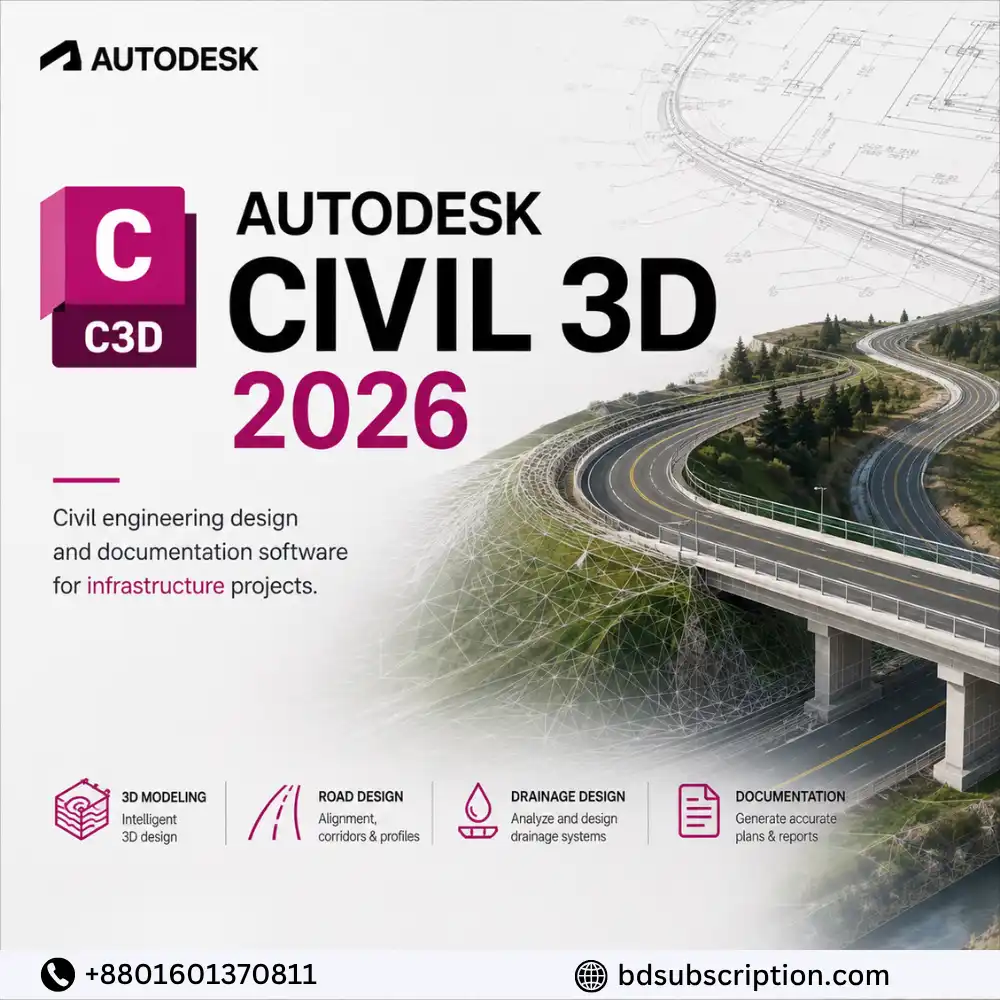
Autodesk Civil 3D 2026 is professional civil engineering design and documentation software developed by Autodesk. It provides specialized tools for infrastructure projects, including road and highway design, land development, surveying, terrain modeling, grading, drainage, and construction documentation.
Civil 3D combines familiar CAD functionality with specialized civil engineering workflows, making it suitable for engineers, designers, surveyors, infrastructure professionals, and organizations working on civil projects.
Autodesk Civil 3D 2026 Subscription Details
- Product: Autodesk Civil 3D 2026
- Platform: Windows PC
- Device Limit: 1 Device
- Validity: 1 Year
- Activation: Autodesk Key
- Region: Global
- Authentic product subscription/license
- Activation warranty included
- Digital Email delivery
Autodesk Civil 3D 2026 Features
- Civil Engineering Design – Professional tools for infrastructure and land-development projects.
- Terrain Modeling – Create and analyze digital terrain and surface models.
- Road & Highway Design – Develop alignments, profiles, corridors, and roadway designs.
- Surveying Tools – Work with survey data and existing site conditions.
- Grading Design – Create grading plans for sites and infrastructure projects.
- Pipe Networks – Design supported drainage and utility networks.
- Profile & Alignment Tools – Build horizontal and vertical infrastructure designs.
- Quantity Calculations – Calculate supported earthwork and material quantities.
- Construction Documentation – Produce professional civil engineering drawings and plans.
- 3D Visualization – Review civil infrastructure designs in a detailed 3D environment.
- CAD Integration – Work within Autodesk’s CAD-based engineering environment.
- Project Collaboration – Coordinate supported civil engineering design information.
Who Should Use Autodesk Civil 3D 2026 in BD?
- Civil engineers
- Infrastructure designers
- Road and highway engineers
- Land-development professionals
- Surveyors
- CAD technicians
- Construction professionals
- Engineering consultants
- Civil engineering students and professionals
How Can Autodesk Civil 3D 2026 Benefit You?
Autodesk Civil 3D 2026 brings civil engineering design, modeling, analysis, and documentation into a connected workflow. Engineers can work with terrain, alignments, profiles, corridors, grading, and other infrastructure elements while keeping related project information coordinated.
This makes Civil 3D particularly useful for roads, highways, land development, site planning, drainage, and infrastructure projects where design changes need to be reflected throughout project documentation.
How to Activate Autodesk Civil 3D 2026
- Download the applicable Autodesk Civil 3D 2026 trial/installer from Autodesk’s official website.
- Install Civil 3D on your compatible Windows PC.
- Open the software after installation.
- Go to the applicable license or activation section.
- Enter the Autodesk activation key provided by BD Subscription.
- Follow the on-screen instructions to complete activation.
- Verify your license status and start using Civil 3D.
Important: The Autodesk link supplied in your source points to the Fusion trial page rather than Civil 3D, so I have not included that incorrect link here. Use Autodesk’s official Civil 3D download/installer page for this product.
Autodesk Civil 3D 2026 Price in Bangladesh
The Autodesk Civil 3D 2026 price in Bangladesh depends on current license availability and applicable offers. BD Subscription provides a 1-device, 1-year Autodesk Civil 3D 2026 package with an activation key and activation warranty.
Check the current product page for the latest price before ordering.
Where to Buy Autodesk Civil 3D 2026 in Bangladesh?
You can buy Autodesk Civil 3D 2026 in Bangladesh from BD Subscription and pay conveniently in BDT. Supported payment methods include bKash, Nagad, Rocket, and secure payment gateways, so customers do not need an international payment card.
After successful order processing, your applicable Autodesk activation details are delivered digitally.
Delivery & Activation Process
- Place your order for Autodesk Civil 3D 2026.
- Complete payment using an available Bangladesh payment method.
- BD Subscription verifies your order.
- Receive your Autodesk activation key/details digitally.
- Download and install Civil 3D 2026.
- Enter the supplied activation information.
- Complete activation on your PC.
- Contact support if you experience an eligible activation issue.
Activation Warranty & License Conditions
The Autodesk Civil 3D 2026 package includes an activation warranty for eligible activation-related issues according to the applicable product warranty conditions.
The supplied license is intended for 1 compatible PC for 1 year. Unauthorized key sharing, use on additional devices, unsupported systems, misuse, or violations of applicable licensing conditions may not qualify for warranty support.
Frequently Asked Questions
1. What is the Autodesk Civil 3D 2026 price in Bangladesh?
The price varies according to current availability and offers. Check the product page for the latest Autodesk Civil 3D 2026 price in Bangladesh.
2. How long is the Civil 3D 2026 license valid?
The available package is valid for 1 year.
3. How many devices can I activate?
This Autodesk Civil 3D 2026 package is intended for 1 PC.
4. Will I receive an activation key?
Yes. BD Subscription provides the applicable Autodesk activation key/details for the purchased package.
5. Does the license include an activation warranty?
Yes. An activation warranty is included for eligible activation-related issues according to the applicable warranty conditions.
6. Is Autodesk Civil 3D 2026 available for Mac?
This package is intended for Windows PC. Civil 3D should be installed only on a compatible supported system.
7. Can I pay with bKash?
Yes. Customers in Bangladesh can pay using bKash and other supported local payment methods.
8. Is the Autodesk Civil 3D 2026 key global?
This package is offered as a GLOBAL Autodesk key, subject to applicable Autodesk licensing and activation requirements.
9. What is Autodesk Civil 3D used for?
Civil 3D is primarily used for civil infrastructure design, roads, highways, land development, surveying, terrain modeling, grading, drainage, and engineering documentation.
Customer Reviews
Reviews
Clear filtersThere are no reviews yet.
Related Products

Amazon Prime Video Monthly Subscriptions BD

Amazon Prime Video Subscription 6 Month 1 Screen

Netflix Subscription Price in Bangladesh

Quillbot Premium Monthly Plan

Reviews
Clear filtersThere are no reviews yet.