

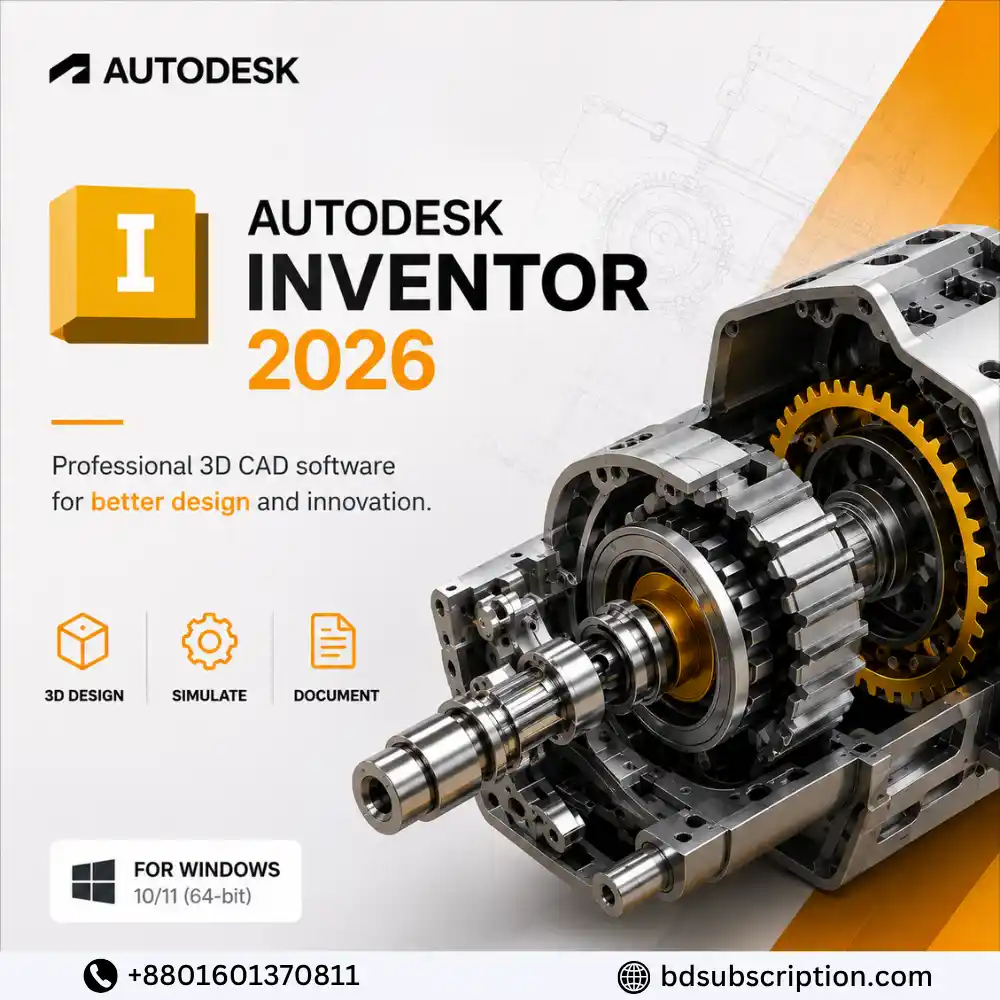
Autodesk Inventor 2026 in Bangladesh
- Autodesk Inventor 2026 for Windows PC
- 1 Device activation
- 1 Year validity
- Global activation key provided
- Authentic software subscription/license
- Activation warranty included
- Professional 3D mechanical design & CAD tools
- Advanced part and assembly modeling
- Create detailed 2D engineering drawings
- Suitable for engineers, designers & manufacturing professionals
750৳

-
 Delivery Via Email

Within 01-12 Office hours
-
Customer Support

WhatsApp: +8801601370811 during office hours. 10:00 am-11.30 pm (GMT +6)


Autodesk Inventor 2026 (PC) (1 Device, 1 Year) – Autodesk Key – GLOBAL
Need to buy Autodesk Inventor 2026 in Bangladesh for professional 3D mechanical design, engineering, simulation, or product development? BD Subscription provides an Autodesk Inventor 2026 license key for Windows PC, valid for 1 device for 1 year. The key is available for global activation, and Bangladeshi customers can order locally using bKash, Nagad, Rocket, and other supported payment methods without needing an international card.
What Is Autodesk Inventor 2026?
Autodesk Inventor 2026 is professional 3D CAD software developed by Autodesk for mechanical design, engineering, documentation, and product development. It provides tools for creating detailed 3D models, assemblies, engineering drawings, and manufacturing-ready designs.
Inventor is particularly suited to mechanical engineers, product designers, manufacturers, CAD professionals, engineering students, and organizations working with complex mechanical components and assemblies.
Autodesk Inventor 2026 License Plan by BD Subscription
- Product: Autodesk Inventor 2026
- Platform: Windows PC
- Devices: 1 Device
- License Duration: 1 Year
- License Type: Autodesk Key
- Activation Region: Global
- Digital license delivery
- Activation through installed Autodesk Inventor software
- Suitable for compatible Windows 10 & Windows 11 systems
Autodesk Inventor 2026 Features
- 3D Mechanical Design – Create detailed parts, components, and mechanical models.
- Assembly Design – Build and manage complex product assemblies.
- 2D Documentation – Produce engineering drawings from your 3D designs.
- Parametric Modeling – Modify designs efficiently using parameters and constraints.
- Sheet Metal Design – Create and prepare sheet-metal components for manufacturing.
- Design Automation – Automate repetitive engineering and design processes.
- Visualization Tools – Present and inspect product designs more clearly.
- Engineering Workflows – Support professional mechanical and manufacturing projects.
- CAD Data Compatibility – Work with supported engineering and CAD file formats.
Who Should Buy Autodesk Inventor 2026?
- Mechanical engineers
- Product designers
- CAD designers and draftsmen
- Manufacturing professionals
- Engineering firms
- Industrial designers
- Mechanical engineering students
- Freelancers working on CAD projects
- Businesses developing mechanical products and components
How Can Autodesk Inventor 2026 Benefit You?
Autodesk Inventor 2026 combines mechanical 3D modeling, assemblies, drawings, and engineering tools in a professional CAD environment. Instead of handling different stages of mechanical product design separately, engineers and designers can develop, modify, document, and prepare their designs within a connected workflow.
For professional users, this can help improve design accuracy, speed up revisions, and make complex mechanical projects easier to manage.
Autodesk Inventor 2026 System Requirements
| Component | Minimum | Recommended |
|---|---|---|
| Operating System | 64-bit Windows 10 or Windows 11 | 64-bit Windows 10 or Windows 11 |
| Processor | 2.5 GHz or faster | 3.0 GHz or faster, 4+ cores |
| Memory | 16 GB RAM for assemblies under 500 parts | 32 GB RAM or more |
| Graphics | 2 GB GPU, 29 GB/s bandwidth, DirectX 11 compatible | 8 GB GPU, 106 GB/s bandwidth, DirectX 11 compatible |
Note: Hardware requirements can vary depending on project complexity, assembly size, Autodesk updates, and individual workflows. Check compatibility before purchasing.
How to Activate Autodesk Inventor 2026
- Download the official Autodesk Inventor trial/installer from Autodesk.
- Install Autodesk Inventor 2026 on your compatible Windows PC.
- Launch the software after installation.
- Locate the applicable license/activation option.
- Enter the license code provided with your order.
- Complete the on-screen activation process.
- Restart the application if required and verify your license status.
Use the official Autodesk Inventor trial download page to obtain the software.
Where to Buy Autodesk Inventor 2026 in Bangladesh?
You can buy Autodesk Inventor 2026 license in Bangladesh from BD Subscription. The available package provides an Autodesk key for 1 Windows PC with 1-year validity and global activation.
Bangladeshi customers can pay locally using supported methods such as bKash, Nagad, and Rocket, eliminating the need to use an international payment card for the purchase.
Why Choose BD Subscription for Autodesk Inventor 2026?
- Providing digital subscription services since 2023
- More than 25,000+ customers served
- Bangladesh Government-registered company
- Google-verified and top-rated store
- Authentic digital subscriptions and software licenses
- Secure verified bKash & EPS payment gateway
- Support available in Bengali and English
- Warranty and after-sales support according to applicable product conditions
Autodesk Inventor 2026 Price in Bangladesh
The Autodesk Inventor 2026 price in Bangladesh depends on current license availability and applicable offers. BD Subscription provides the Autodesk Inventor 2026 1 Device, 1 Year license with local payment options for Bangladeshi customers.
Check the current product page for the latest Autodesk Inventor 2026 license price in Bangladesh before ordering, as software pricing and availability can change.
Delivery & Activation Process
- Order Autodesk Inventor 2026 – 1 Device, 1 Year.
- Complete payment using an available local payment method.
- BD Subscription verifies your order.
- Your Autodesk license information is prepared for digital delivery.
- Download and install the applicable Autodesk Inventor software.
- Enter the supplied license information according to the activation instructions.
- Verify successful activation on your PC.
Warranty & License Conditions
The license is intended for 1 compatible Windows PC and has a 1-year duration according to the supplied product package. Customers should verify system compatibility before ordering and follow the provided installation and activation instructions.
Warranty and support apply according to BD Subscription’s applicable product conditions. Problems caused by unsupported systems, unauthorized license sharing, misuse, software modification, policy violations, or failure to follow activation instructions may not qualify for replacement or warranty support.
Independent Reseller & Trademark Disclaimer
BD Subscription is an independent reseller and does not own Autodesk or Autodesk Inventor. Autodesk, Autodesk Inventor, associated product names, logos, and trademarks belong to their respective owners.
Any Autodesk name, logo, screenshot, or product material displayed on BD Subscription is used for product identification and informational purposes only. Such use does not imply that BD Subscription owns Autodesk or is officially affiliated with or endorsed by Autodesk unless explicitly stated by the trademark owner.
Frequently Asked Questions
1. What is the Autodesk Inventor 2026 price in Bangladesh?
The Autodesk Inventor 2026 price in Bangladesh depends on current license availability and offers. BD Subscription provides a 1-device, 1-year option, and the latest BDT price is displayed on the product page.
2. How long is the Autodesk Inventor 2026 license valid?
The available Autodesk Inventor 2026 package is valid for 1 year.
3. How many devices can I activate?
This package is intended for 1 device. Do not attempt to use the supplied license on additional computers unless the product conditions explicitly permit it.
4. Is Autodesk Inventor 2026 available for Windows PC?
Yes. This Autodesk Inventor 2026 package is intended for a compatible 64-bit Windows PC.
5. Is the Autodesk Inventor 2026 key global?
The supplied product is listed as a global activation package. Activation remains subject to the applicable license and Autodesk requirements.
6. How do I install Autodesk Inventor 2026?
Download the applicable Autodesk Inventor installer from Autodesk’s official website, install the software, and then follow the supplied license activation instructions.
7. Can I pay for Autodesk Inventor 2026 with bKash?
Yes. BD Subscription supports bKash and other available Bangladesh payment methods such as Nagad and Rocket.
8. Do I need an international card to purchase Autodesk Inventor?
No. When purchasing from BD Subscription, you can complete your order using supported local BDT payment methods without requiring an international payment card.
9. Who should use Autodesk Inventor 2026?
Autodesk Inventor is designed primarily for mechanical engineers, product designers, CAD professionals, manufacturers, engineering students, and businesses working with 3D mechanical design and product development.
Customer Reviews
Reviews
Clear filtersThere are no reviews yet.
Related Products

Amazon Prime Video Monthly Subscriptions BD

Amazon Prime Video Subscription 6 Month 1 Screen

Netflix Subscription Price in Bangladesh

Quillbot Premium Monthly Plan

Reviews
Clear filtersThere are no reviews yet.